


Local encrypted vault
Accounts, passwords, and 2FA data are stored using AES-256-GCM encryption.

Otterkey helps you organize your accounts, passwords, subscriptions, and 2FA codes. Quickly find and securely store your information, and autofill it when logging into websites and apps.
 AES-256-GCM Encryption
Password AutoFill
Subscription and 2FA Management
AES-256-GCM Encryption
Password AutoFill
Subscription and 2FA Management
 Download on the
App Store
Download on the
App Store

Otterkey stores encrypted vaults on your device, with the encryption keys protected by the iOS Keychain. When Password AutoFill is enabled, only the website and username are registered with iOS for matching suggestions; the password remains within Otterkey’s encrypted vault and is only used to fill in the field after authentication is complete.
Accounts, passwords, and 2FA data are stored using AES-256-GCM encryption.

Password AutoFill does not read passwords without user interaction; system authentication is required before autofilling.

Sync client-side encrypted data across devices associated with your Apple account.
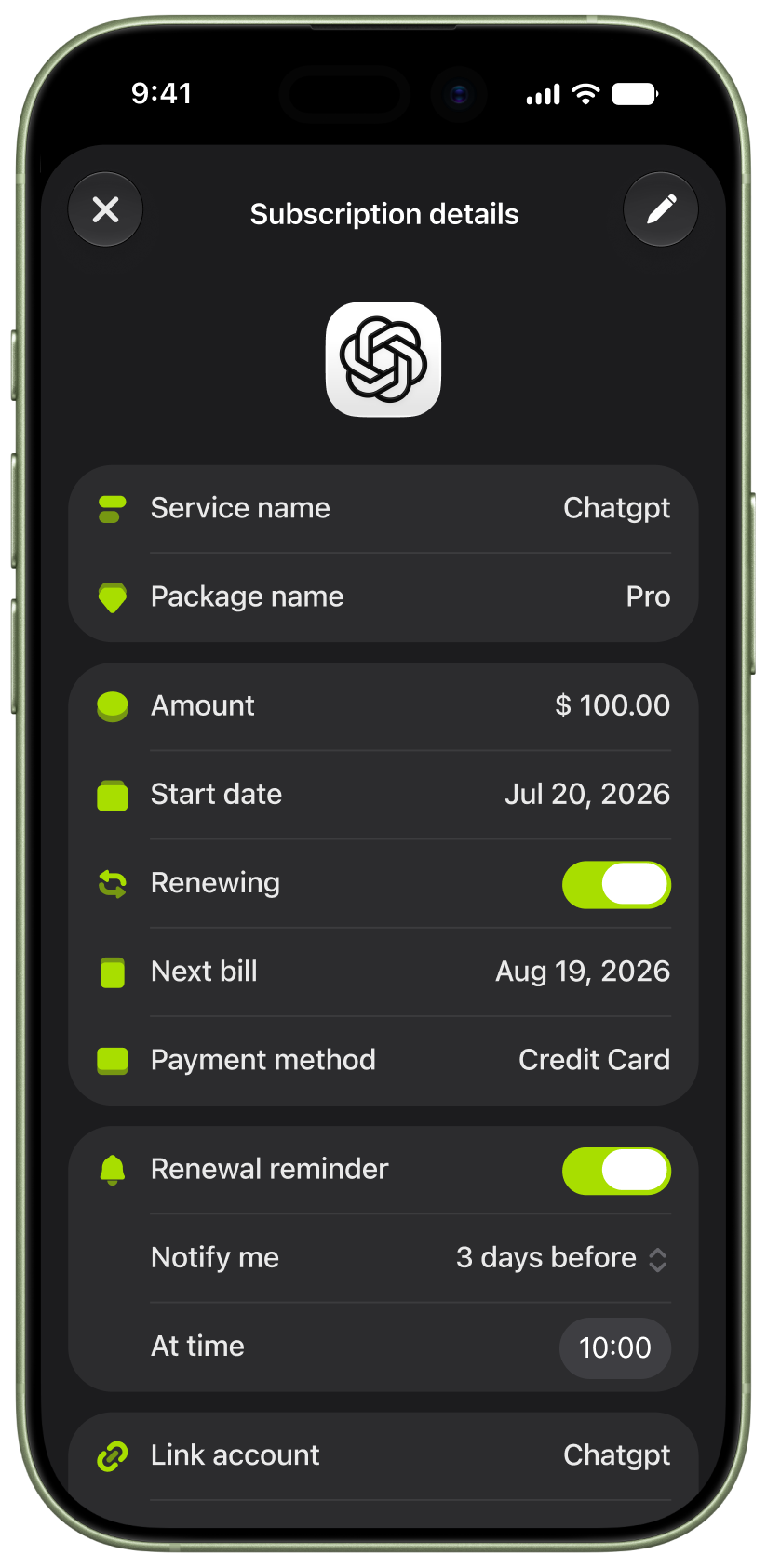
Centrally manage subscriptions, view monthly and annual spending, and support multi-currency tracking as well as renewal and expiration reminders.
Renewal Reminder
Multi-currency statistics
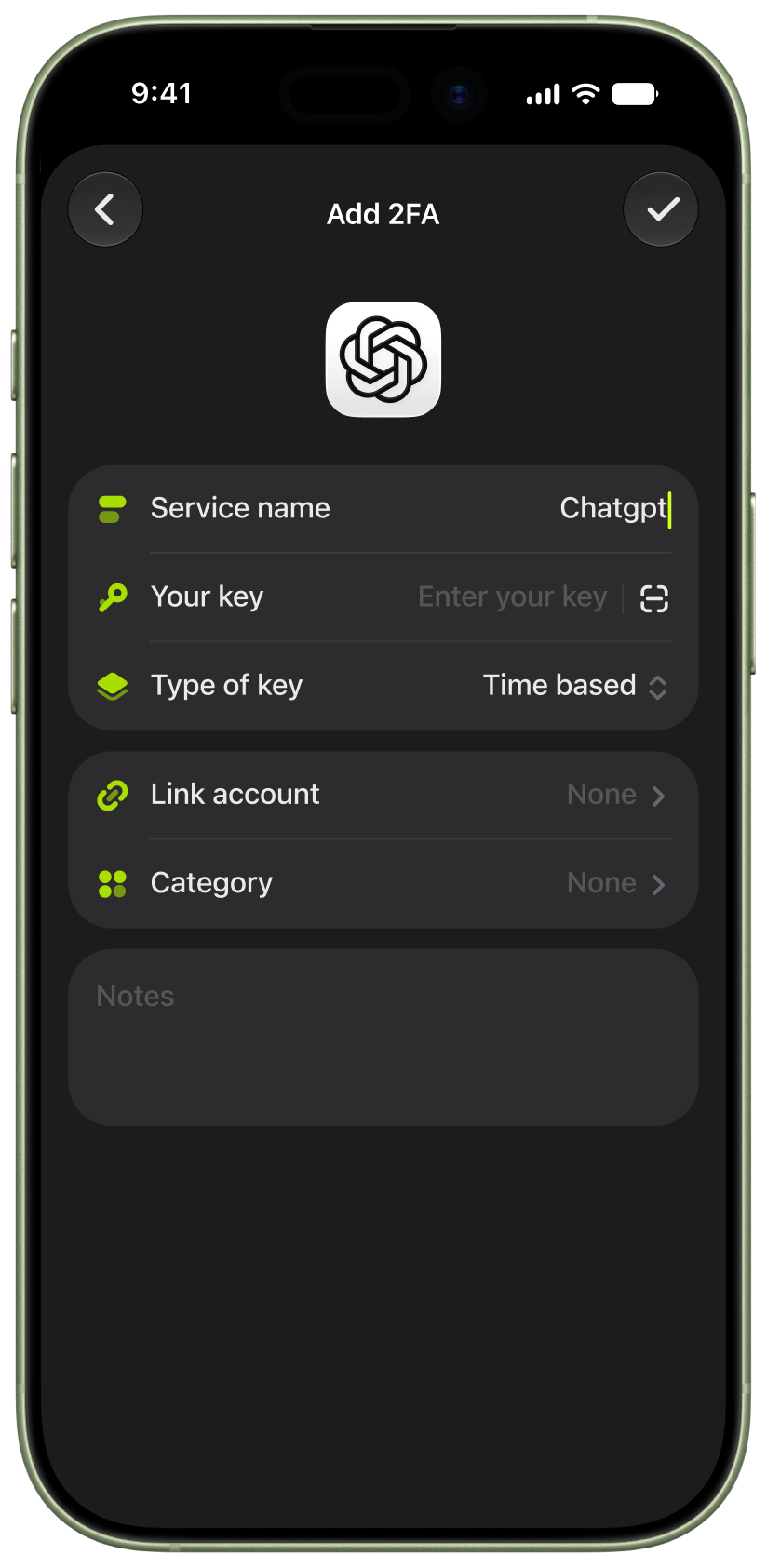
Store time-based or counter-based two-step verification codes and link them to their respective accounts so you can quickly locate the required code when logging in.
Supports TOTP and HOTP
Add by scanning a QR code